
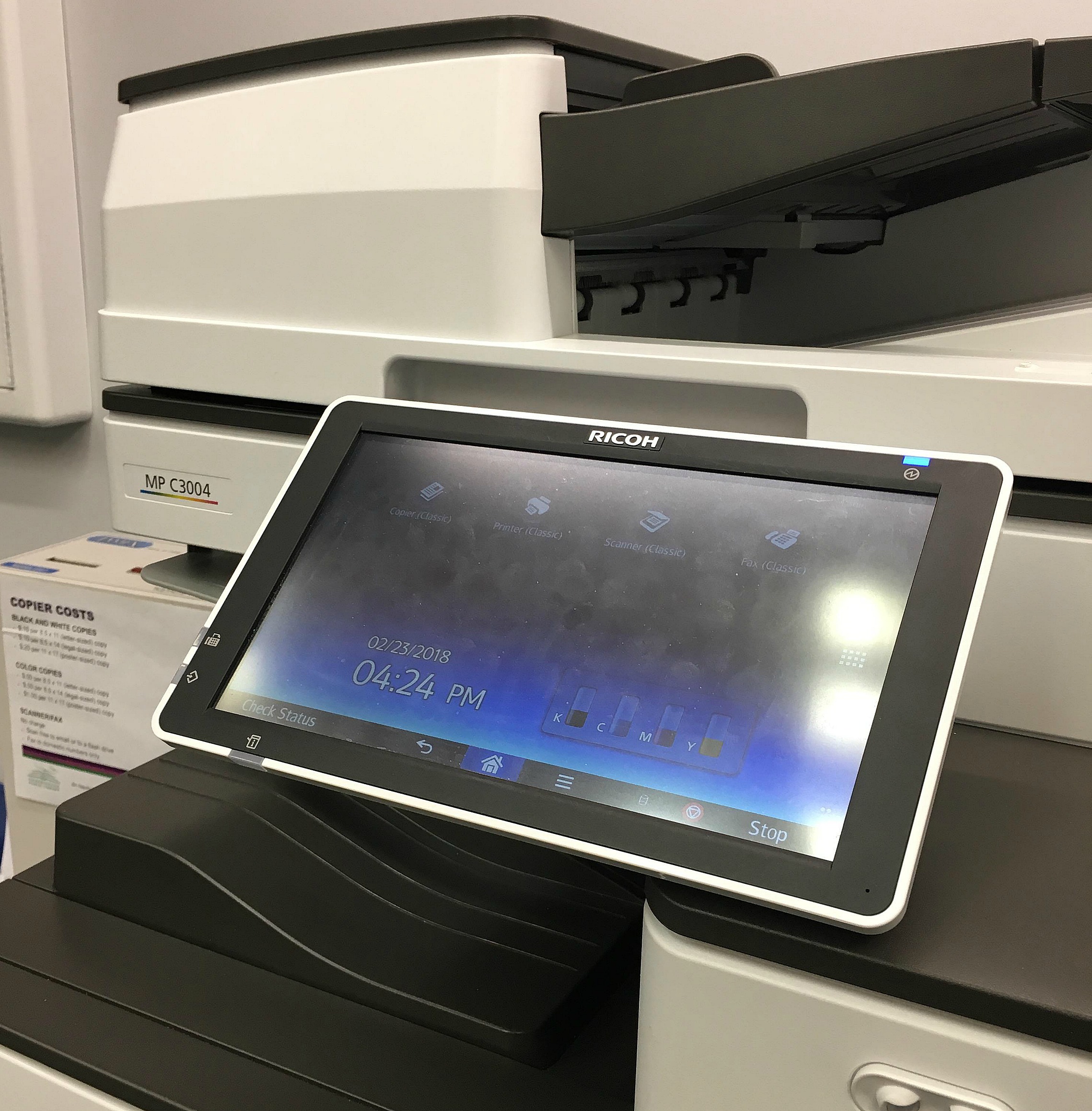
Print, Copy, Scan, Fax

Please note that a library card is not required to access print, copy, scan, and fax services. They are available to all library users. 

Printer

Print/Copy Services

A public copier is available at all library locations. The copiers can accept documents up to 11 x 17″ in size and will adjust prices according to the paper size and color ink.

Cost for copies:

  • $.10 per black and white page for 8.5″ x 11″ and 8.5″ x 14″ papers
  • $.20 per black and white page for 11″ x 17″ papers
  • $.50 per color page for 8.5″ x 11″ and 8.5″ x 14″ papers
  • $1.00 per color page for 11″ x 17″ papers

At all locations, the copier accepts credit card, cash ($1 and $5 bills), and coins (nickels, dimes, and quarters) only.

See a staff member before copying with questions about copying documents double-sided, reducing/enlarging copy sizes, or if larger bills and/or credit/debit cards are required for payment.

Fax Services

Fax services are available at all library locations. There is no cost to fax. Please be advised that faxing to international numbers is not available.

Scanning Services

Scanning is also available at all library locations. There is no cost to scan.

Scan to email, or to a USB or flash drive. The scanner accept documents up to 11 x 17″ size, and can send documents in color or black and white, and as PDFs or as image files.

Smartphone and printer

Wireless Printing

Library users can access the library’s free WiFi through the network connections on library or personal laptops, or through the settings on personal mobile devices.

Printing rates apply:

  • $.10 per black and white page
  • $.50 per color page


Connect to WIFI

Library users can access the library’s free WiFi through the network connections on library or personal laptops, or the settings on personal mobile devices:

  • Free Wifi: Pickerington Library Guest


Wireless Printing Instructions

Wireless printing is available at any location of the Pickerington Public Library, for laptop users or for customers using mobile devices. The same printing fees apply to wireless printing.

To print from a laptop: 

  • Access the mobile printing interface
  • Select printer: black and white, or color
  • Enter an email address
  • If printing from a webpage, copy and paste the website’s URL into the text box
  • If printing a document from your computer or flash drive, click Browse, and locate and select the file
  • Click the green printer icon to send documents to the printer.
  • At the library’s print release station, click Release a Print Job and enter the email address used above, then follow the posted instructions for paying for print jobs.

To print from your own device:

Close-up of a 3D printer

3D Printing Services

Procedures:

  • Customers may submit print requests through the library’s website. Library staff will assist as needed.
  • Files will be printed as submitted, without modifications. If changes are necessary, staff will notify the customer and recommend adjustments.
  • Once printing is complete (within approximately 1-2 weeks), customers will be notified about pickup details.
  • Cost: The library charges $0.10 per gram of filament used (calculated by software), with a minimum charge of $1.00. Payment is required before the print is made.
  • Read more about the 3D Printing Policy including limitations and prohibited uses.


How to find or create your design:

  • To create a 3D print, you can download a pre-made file from a website that makes printing as easy as picking a project from a catalog. Thingiverse | YouMagine | MyMiniFactory | Thangs
  • Alternatively, you can use modeling software to create your own designs. The following websites offer pre-made files and free modeling software. Tinkercad | Blender | SketchUp | Sculprtri


Export your object as:

  • .3mf, .stl, .stp, .step, .amf, or .obj file.


Printer Specs:

Dremel Digilab can print up to 255x155x170mm (11 x 6 x 6.7in) and has a maximum print time of 8 hours.

If you need help, our staff is here to help.

Locations

Pickerington Main Library
201 Opportunity Way
Pickerington, OH 43147
Phone:614-837-4104

Sycamore Plaza Library
7861 Refugee Road
Pickerington, OH 43147
Phone: 614-837-4383

Hours

Monday – Thursday
9:00 a.m. – 8:00 p.m.

Friday
9:00 a.m. – 6:00 p.m.

Saturday
9:00 a.m. – 5:00 p.m.

Sunday
12:00 p.m. – 5:00 p.m.